
Measure it the way your guest sees it
Not on the office Wi-Fi and not on your laptop. Use PageSpeed Insights on the mobile tab, which already simulates a mid-range phone on a slow connection, and then open the site on your own phone with mobile data, away from the building.
Measure the page that takes the booking, not only the home page. That is the one that has to be fast.
The three numbers, in plain language
- LCP: when the big thing appears. Under 2.5 seconds.
- CLS: whether the content jumps while it loads. Under 0.1.
- INP: how long it takes to react when you tap. Under 200 milliseconds.
The five things that fix it
In that order, because that is the order in which they cost you seconds.
- Images in webp, at the size each screen needs, with width and height set so nothing jumps.
- Video with a poster frame, loaded only when it comes into view, never autoplaying four at once.
- Two font weights, not six, and text that shows while the font loads.
- Fewer third-party scripts: each chat, pixel and map costs more than any image.
- Long cache on everything that does not change, so the second visit is instant.
A site with film in it can still be fast
Our own sites open with a film that moves as you scroll, and they still load quickly: the film is served as frames, in the size the screen needs, and only the ones in view are fetched. Heavy is not the same as slow; badly ordered is slow.
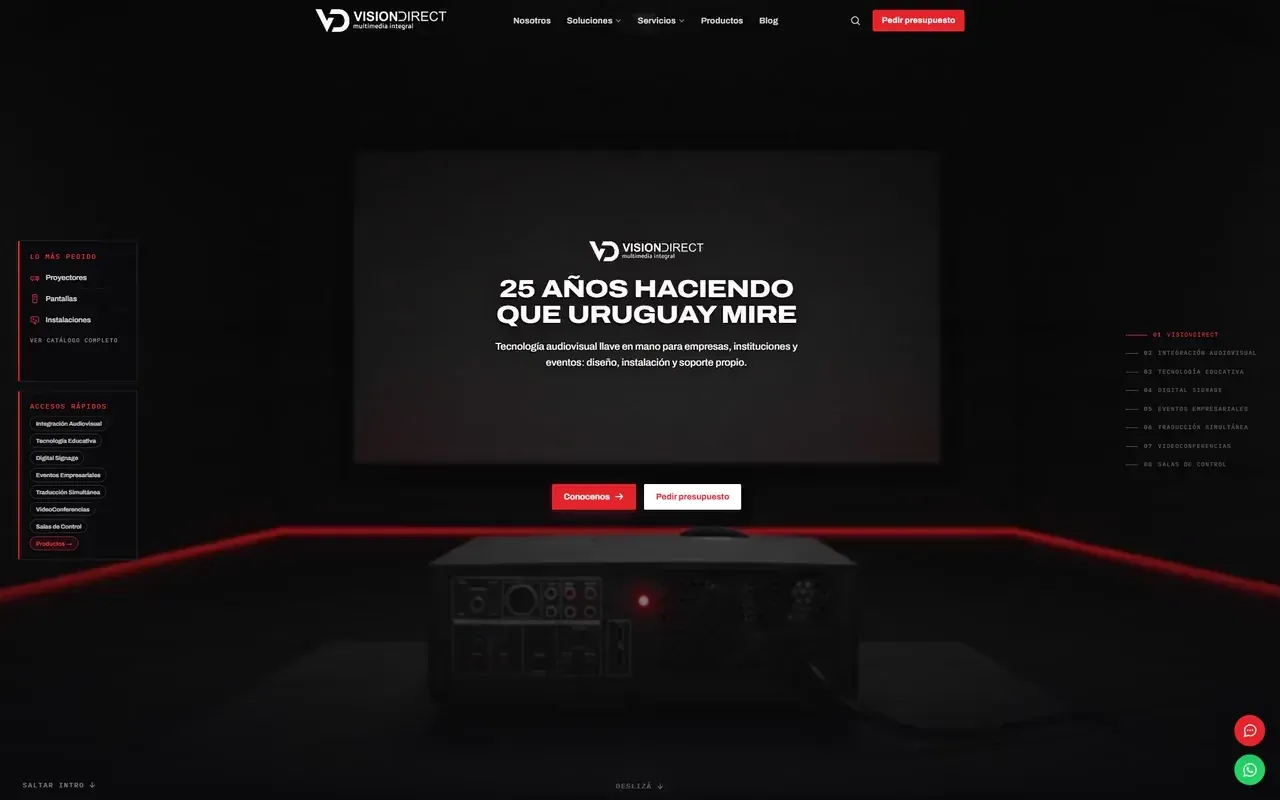
You can see it in Vision Direct, where every scene is video and the page still starts in under two seconds on a phone.
What you can skip
The WordPress “optimisation” plugin that breaks the layout, AMP, and chasing a perfect score. Ninety with a page that takes the booking beats a hundred with a page that does not.
How often to measure, and what to write down
Measure when you publish, after every big change and once a month in season. Keep three numbers in a spreadsheet: LCP, the total weight of the page and the number of requests. Three months of that will show you which change cost you seconds, which no automatic report will ever tell you.
- At launch: the baseline you will compare against.
- After every big change: a new video, a chat widget, a tracking pixel.
- Once a month in season, on the phone of someone on the team.