
The first ten seconds
A visitor arrives knowing nothing. In ten seconds they have to see the name, where the hotel is, what it looks like, and a way to check dates. If they have to scroll to find out which town you are in, they are already back in the search results.
The twelve
- An availability calendar, kept up to date.
- A visible rate, even if it is a “from” per season.
- A booking button on every page, always in the same place.
- Real, recent photos of the actual rooms.
- One page per room type, with size, beds and what it includes.
- What the stay includes: breakfast, pool, parking, gym, beach.
- Location with a map and real distances (beach, centre, airport).
- Clear policies: check-in and check-out, cancellation, children, pets.
- Your own reviews, with the guest’s name and date.
- Direct contact: WhatsApp and a phone number that dials on a tap.
- The languages your guests actually speak.
- Speed on a phone over mobile data, not over your office Wi-Fi.
The mistakes that cost the most
A PDF of rates instead of a price on the page. A booking engine that throws the guest onto another domain with another look. Stock photos of a beach that is not yours. A phone number written as plain text. A carousel that moves on its own and hides the offer.
The one we see most: the site is fine on a computer and unusable on a phone, where three quarters of the traffic is.
How to test it in five minutes
Open your site on your phone, on mobile data, away from the hotel. Try to find the price of a weekend in high season and send a booking request. Time it. If it takes more than two minutes or you have to write an email, the site is sending work to your competitor.
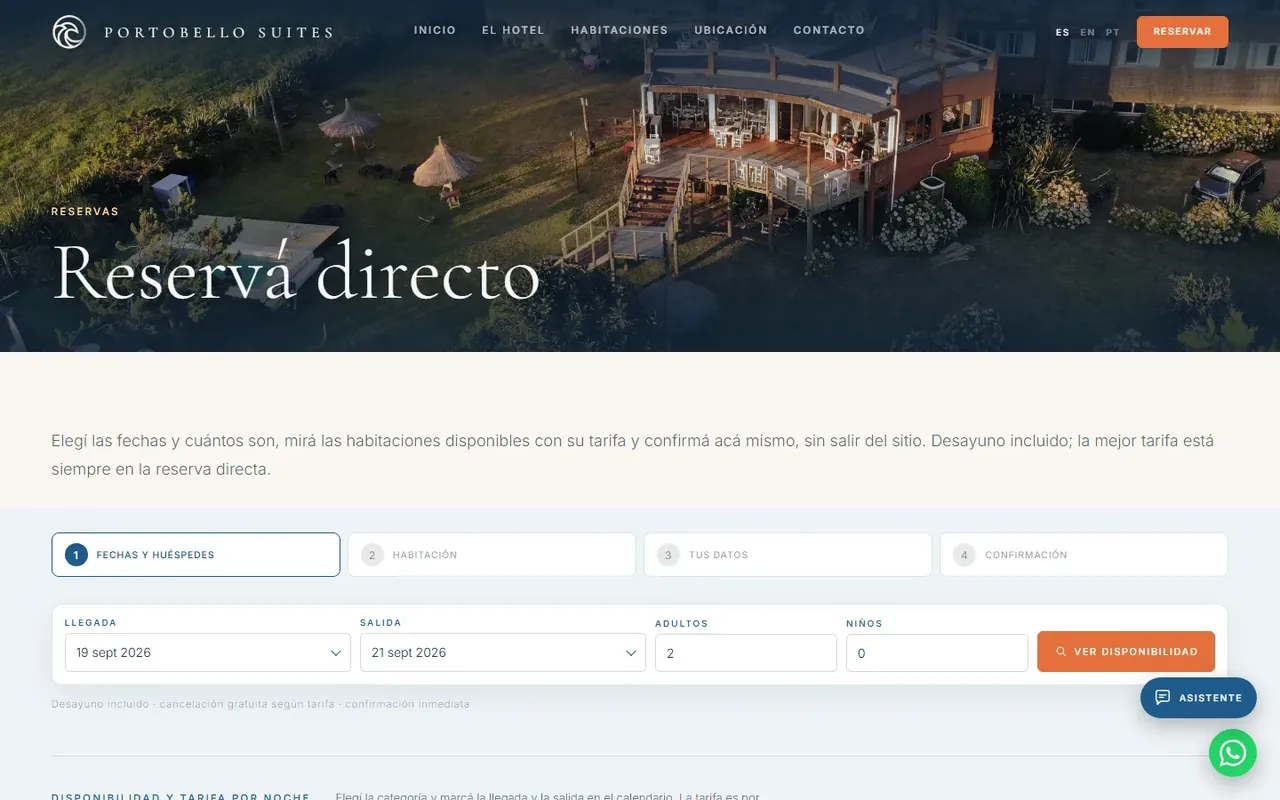
That is what we rebuilt for Portobello Suites: dates, available rooms with their total and the request, without leaving the site.
Before each season
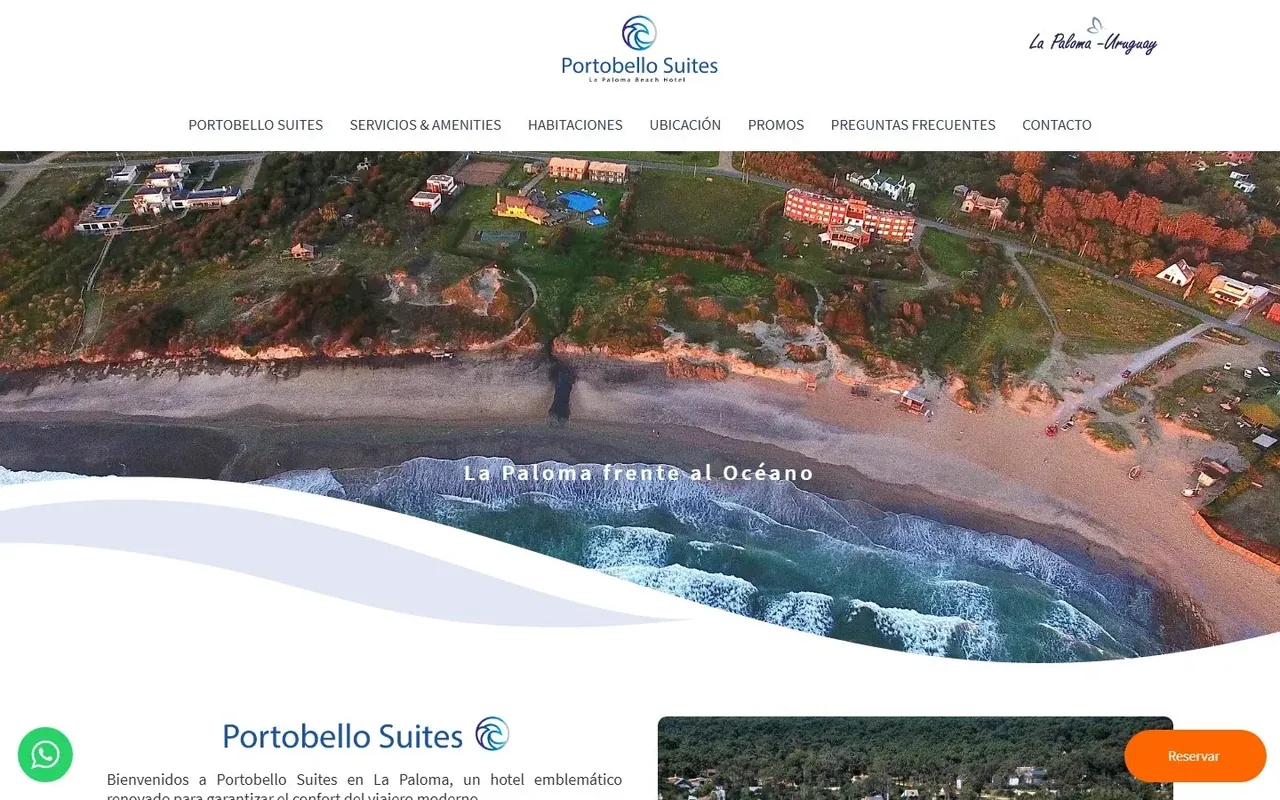
Half of what ages on a hotel website ages by date: the rates, the minimum stays, the cancellation policy, the photos of a pool that has since been rebuilt, the “new for this year” banner. Put a reminder in the calendar two months before the season and go through it in an hour.
- Update rates and minimum stays, and check the calendar against your PMS.
- Replace the photos of anything you renovated and delete the ones that no longer exist.
- Re-read the policies: arrival times, cancellation, deposits.
- Send yourself a booking request and time your own reply.